

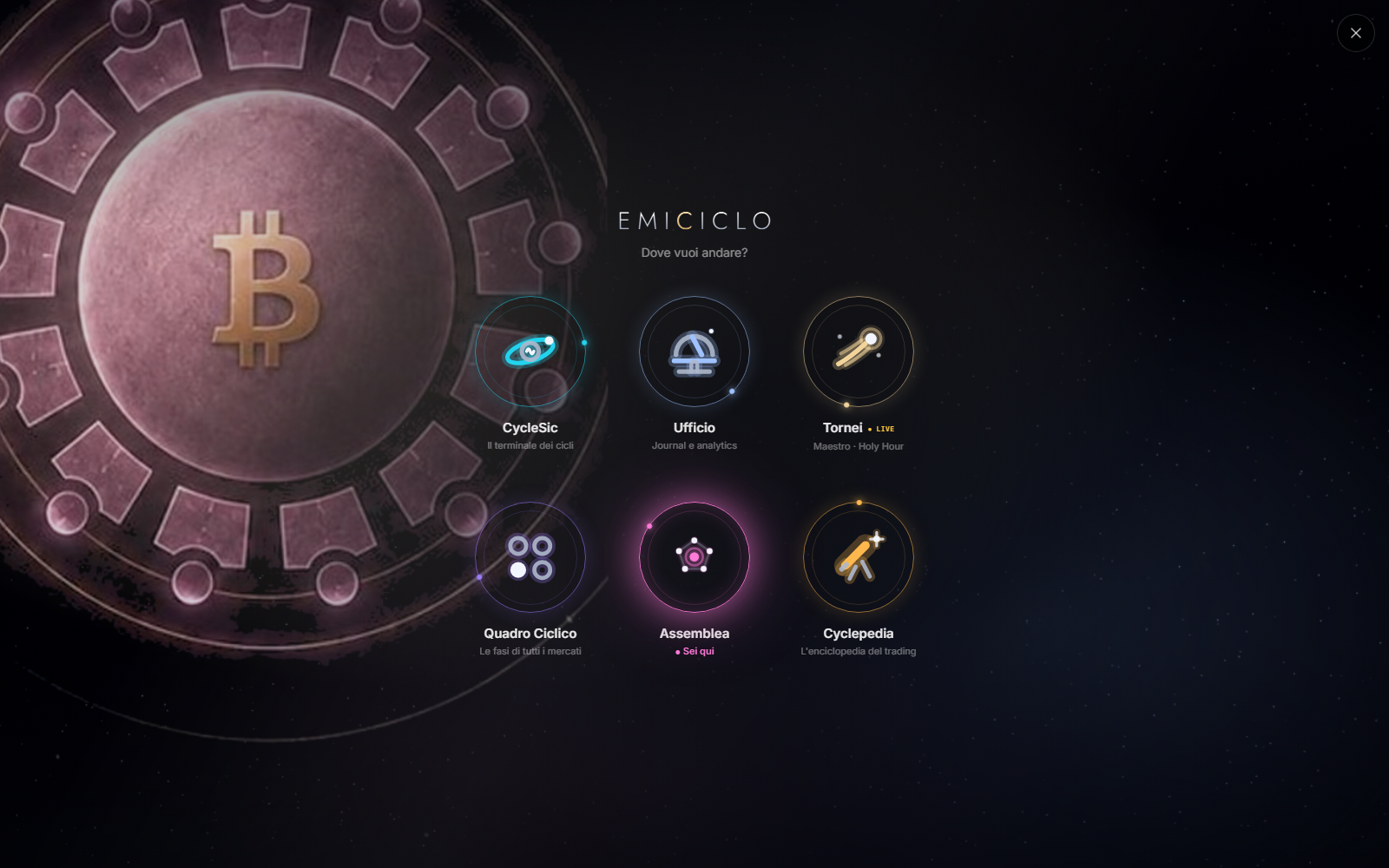
The Emiciclo App is the shared shell used to reach six environments: CycleSic, Ufficio, Tornei, Quadro Ciclico, Assemblea and Cyclepedia. This manual explains how to move between them; specialised functions remain in their dedicated manuals.
Transparency — Emiciclo publishes Cyclepedia and produces the app described here. This is proprietary documentation checked against the interface, not an independent review or financial advice. Formulas, weights, calculation logic and reserved controls are not disclosed.
Recommended route
- Sign in or identify what remains public.
- Open Cosmo and recognise the six environments.
- Check profile, plan, language and session.
- Choose a product from the task.
- Switch environments and tabs without losing context.
- Separate public, personal and external data.
- Diagnose access, menu and stale-state problems.
The shortest rule
Use Cyclepedia to study, CycleSic and Quadro Ciclico to analyse, Ufficio to measure your activity, Assemblea to observe community content and consensus, and Tornei to participate under shared rules. Orders are placed through the user's broker or exchange, outside Emiciclo.
What the shell shares
Account, profile, general interface language and navigation belong to the shared shell. Data, controls and working state can belong to one environment: switching does not mean every chart, asset, filter or unsaved draft is copied.
Product manuals
Sources
- Emiciclo App — interface and navigation checked on 26 August 2026.
- Canonical map of the six environments.
- The product manuals linked above, checked against their respective interfaces.