

Signing in opens a personal session. An account is not required everywhere: Cyclepedia is public, while saved work, participation and personal areas may require identification.
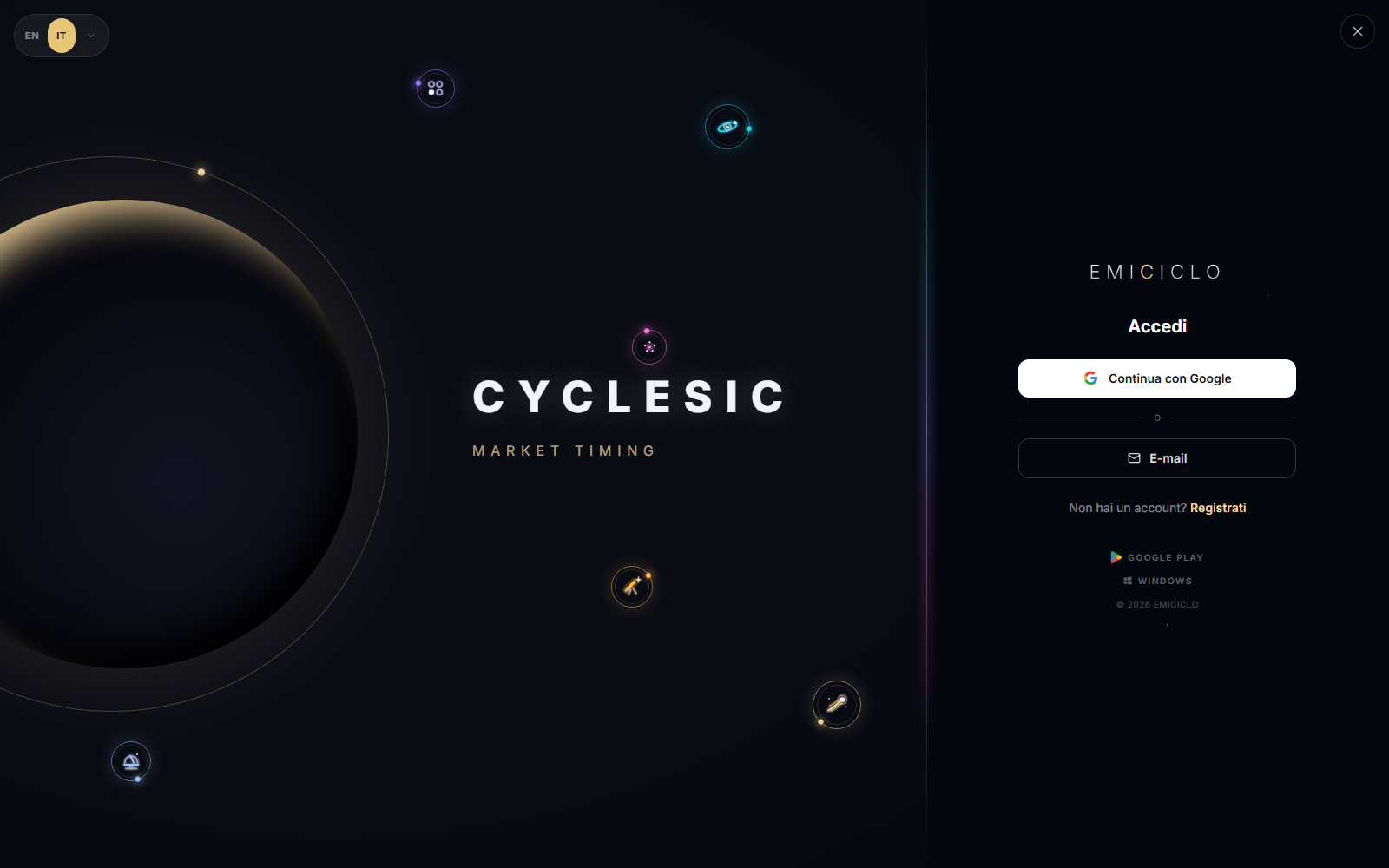
First access
- Open app.emiciclo.com.
- If you only need an encyclopedia entry, Cyclepedia remains available without login.
- Select Sign in for a personal area.
- Choose Google or Email. Use Register only when you do not yet have an account.
- After returning, open the profile and verify the displayed name or email before entering data.
Login is not authorisation
A valid account confirms identity. An environment may still show a lock when it requires a different access level. Repeating login does not resolve that requirement: check the profile and the condition shown by the interface.
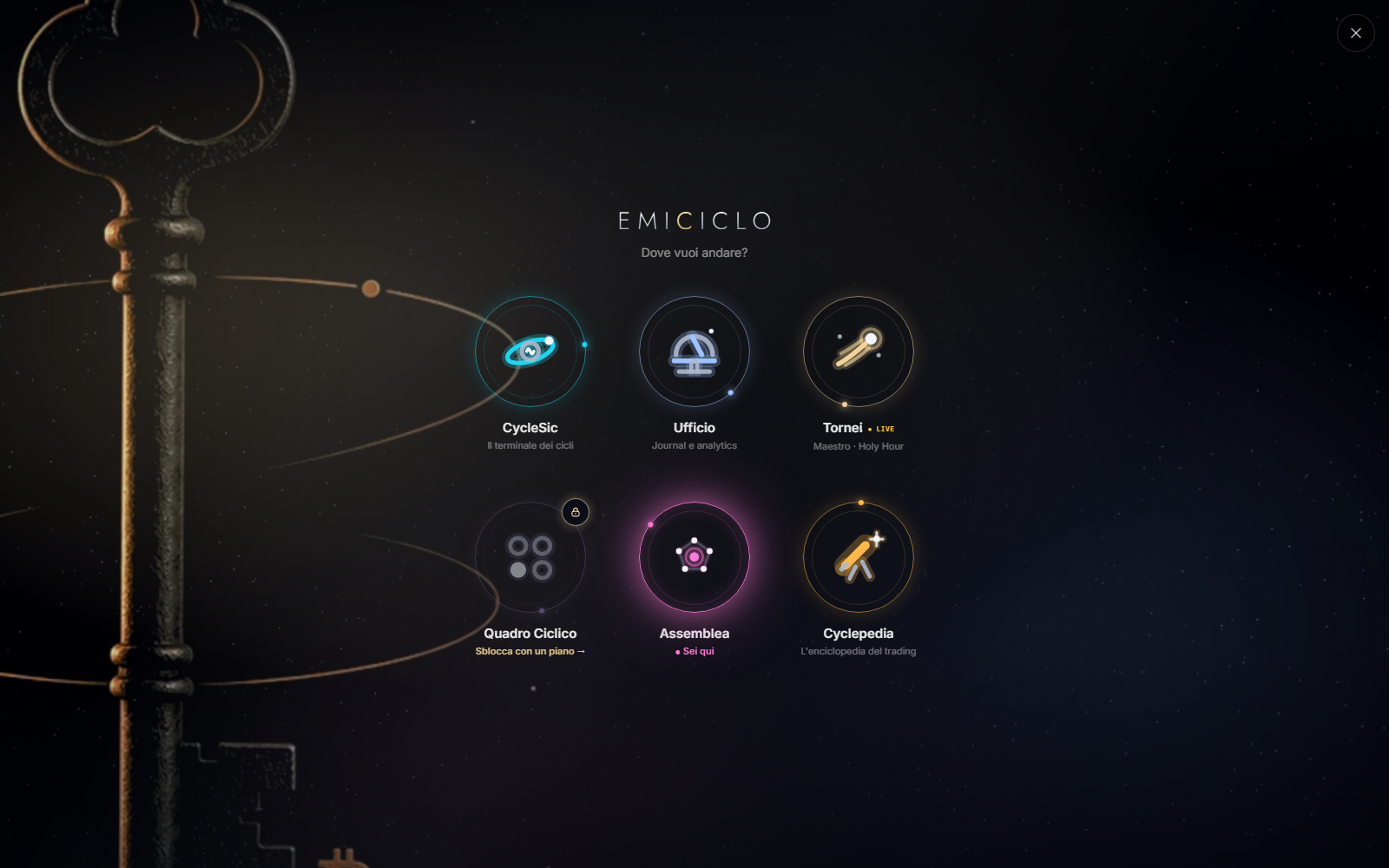
Read the state
- Sign in: no usable session is available.
- Your identity in Profile: the session is active.
- Lock: the session can be valid, but the environment requires different access.
- Long loading or Retry: the session or tier check has not completed; it is not automatically a refusal.
Use the email recovery flow for a forgotten password. Never send passwords, recovery codes, tokens or sensitive screenshots to Nicola. On a shared device, log out from Profile and close the app tabs.
Sources
- Emiciclo App login — checked on 26 August 2026.
- Profile, language and logout.
- Data and safety.