

Cosmo is the ecosystem's full-screen menu. Open it from the Emiciclo mark in the app corner; it always presents six destinations.
Desktop
- Select the Emiciclo mark in the upper corner.
- Find a product by name and coloured glyph.
- Check You are here for the environment in the current tab.
- Select a destination. The X closes Cosmo without changing pages.
Cyclepedia is a public website and opens separately. On desktop some observational environments can also open in another tab; use multiple tabs deliberately.
Mobile
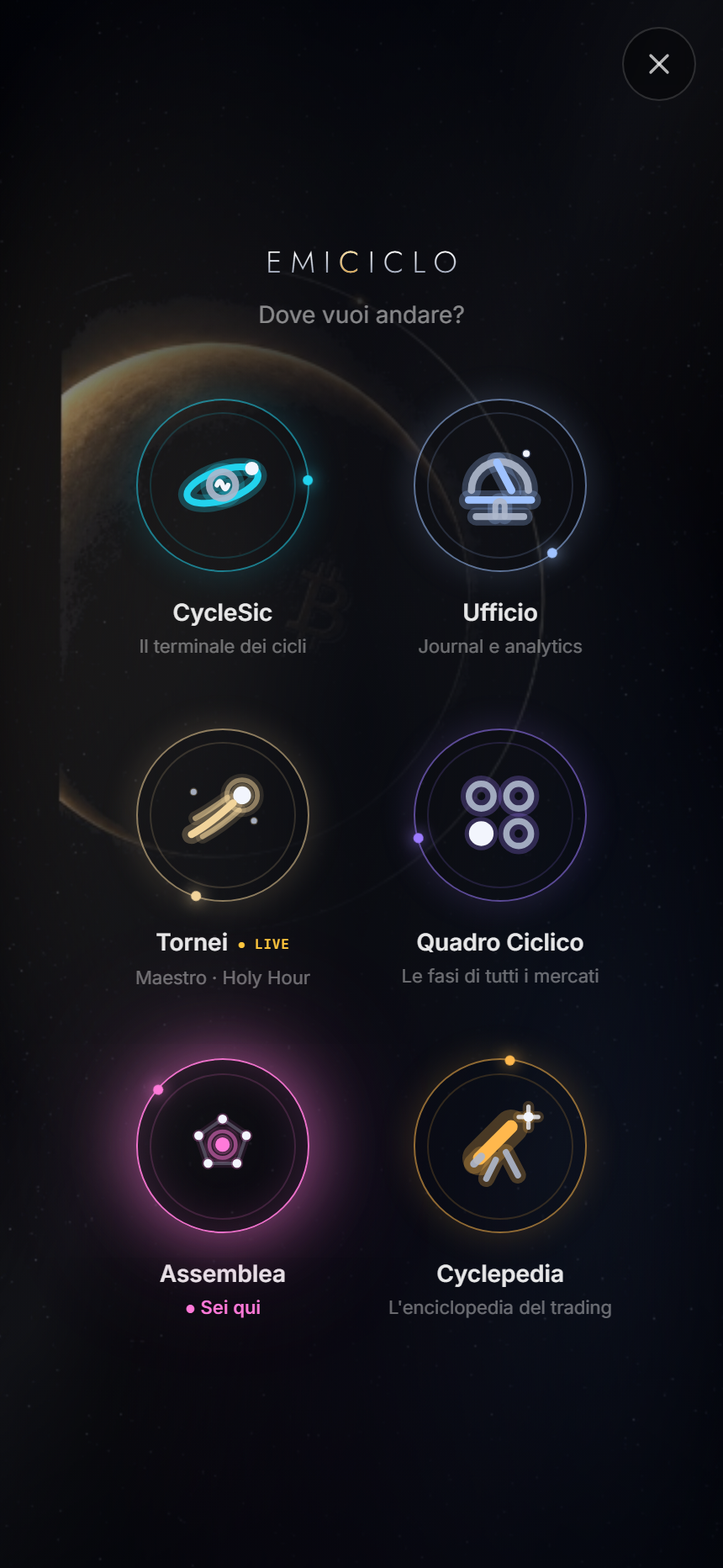
A single tap opens the destination. The X stays in the upper corner; use it instead of browser Back when you only want to close the menu.
Cues to recognise
- You are here: current environment.
- LIVE: a visible Tornei state, not proof that every competition is open.
- Lock / unlock with a plan: an additional access requirement.
- Separate-open arrow, where offered on desktop: opens an observational environment in another tab.
If Cosmo does not appear, wait for initial loading, select the mark again and reload once if necessary. Continue with common diagnosis.
Sources
- Emiciclo App — desktop and mobile Cosmo checked on 26 August 2026.
- Map of the six environments.
- Choose by task.