

The shared profile contains identity and general app controls. It does not replace specialised settings inside Ufficio, CycleSic or another environment.

Initial check
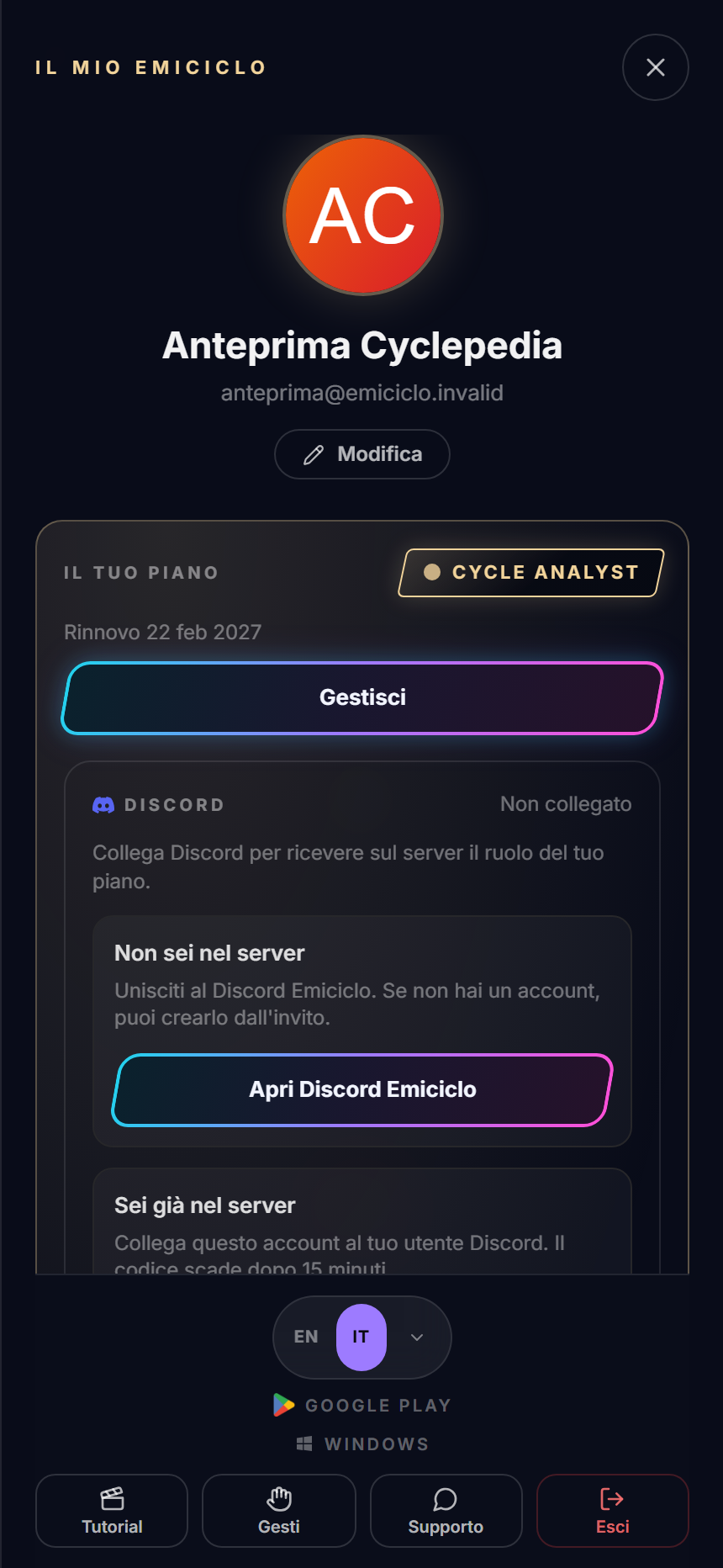
- Select the avatar in the app corner.
- Verify name and email before saving data or participating.
- Read the displayed plan as the interface's current state, not a permanent promise.
- Use Edit to reach the profile update area.
The language selector changes the general shell. A product may keep its own labels or preferences; close and reopen it or check its settings when a label does not change immediately. A translation mismatch does not mean that data was lost.
Tutorial and Support live near the bottom. Report environment, device, attempted action and visible message; do not attach passwords, API keys or tokens.
Use Log out and wait for guest state on shared devices. Closing the panel with X does not end the session.
Sources
- Emiciclo App — desktop and mobile profile checked on 26 August 2026.
- Account access.
- Data and safety.