

On a phone, Assemblea keeps the same two areas but stacks content vertically. Use visible controls; an essential action should not depend on hover.
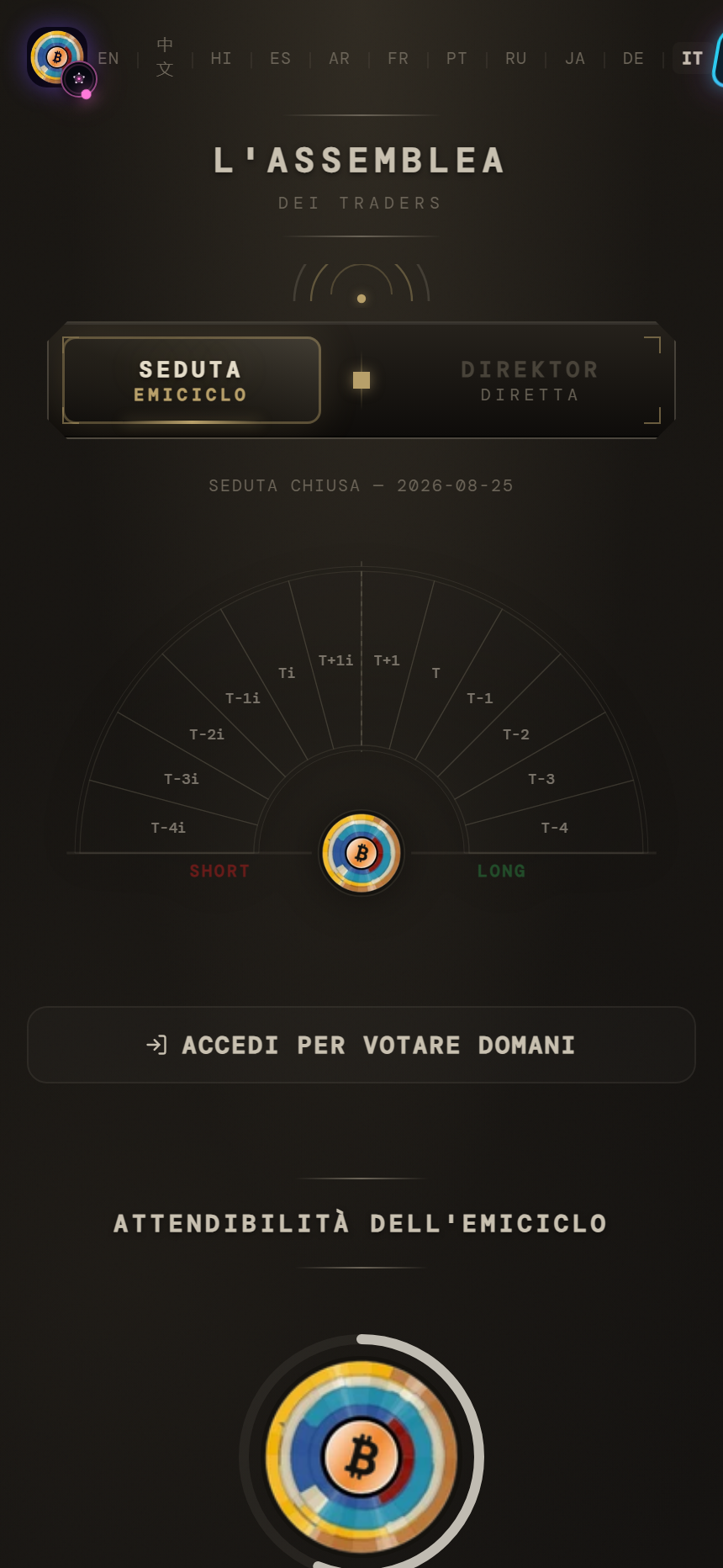
For the Session, read state and date, tap a choice once, complete direction and degree, then review before confirmation. Close the keyboard if it covers a control and avoid rotating during submission.
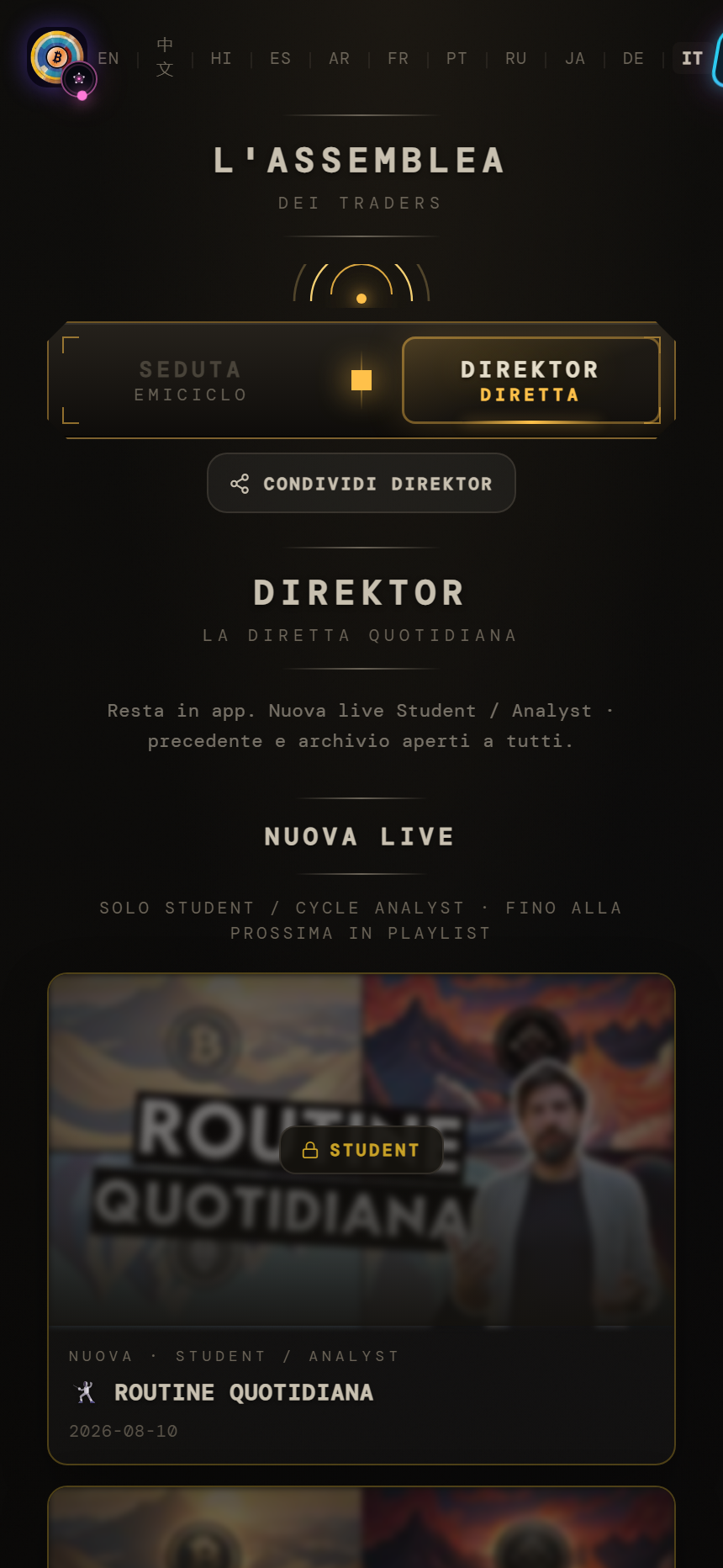
In the player, one tap may reveal controls. Use Play, timeline, volume and fullscreen where available. Mobile browsers may block autoplay or sound until interaction.
Touch rule — If a tap appears inactive, wait briefly and check access, loading state, or whether the first tap only revealed controls. Avoid repeated taps.
On unstable networks, wait for buffering. Use browser zoom when necessary and do not rely on colour alone: look for labels, borders or textual confirmation.