

The Diary joins two layers: imported trade data and observations entered by the trader. Software may know available prices and costs; it cannot reconstruct a plan that was never written down.
Goal — Turn each important transaction into a verifiable record of context, setup, decision, execution and outcome.
Documentation boundary — This manual covers visible fields and actions. Voice notes, personal data and strategies remain user content and must not be copied into public sources without consent.
Read the register
The left page summarises the account and contains filters. The right page groups transactions by day in the selected month. Select a row to open its trade detail.
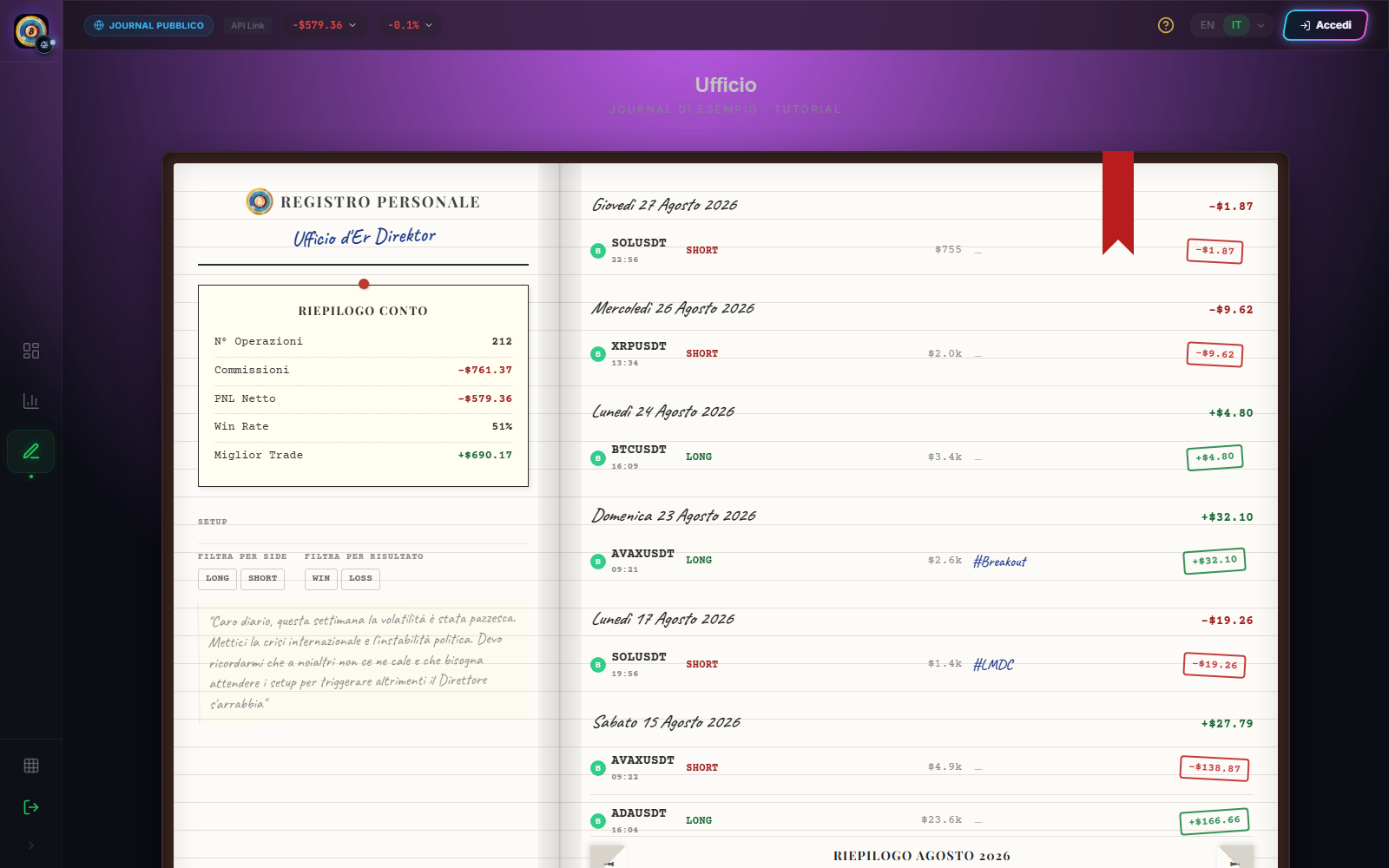
Monthly and overall summaries may refer to different perimeters. Before comparing them, check month, side, result and setup filters.
Add context
- Sign in; visitors can read the demo but cannot edit it.
- Open the month and trade you want to annotate.
- Select an existing setup or create one with a short, stable name.
- Write a note separating what you knew before the trade from what you observed afterwards.
- When useful, record a voice note without credentials or sensitive data.
- Set a reminder after a number of days or trades to revisit the decision with distance.
- Save and reopen the entry to confirm that it belongs to the correct transaction.
A consistent taxonomy is more useful than many tags. Do not create a new synonym for the same setup merely because the result changed.
A short note structure
Use four sentences: thesis before entry, invalidation condition, actual execution, and verifiable lesson. Emotions and judgements can be recorded but should not replace times, rules and observable actions.
Observable result
The review is complete when a future reader can distinguish automatic data, planned decision and retrospective comment. Use patterns from Analytics to choose what to review, not to rewrite the reason for a trade after the outcome.
Sources
- Ufficio Diary — operating register.
- Trading journal — general discipline of recording and review.
- Cyclepedia technical verification: check on 2026-08-25 of monthly navigation, filters, setups, notes, voice, reminders and trade detail.