

Direktor is Assemblea's video area. It organises recent content, prior episodes and archive series. It is editorial or educational content, not Session consensus or personalised advice.
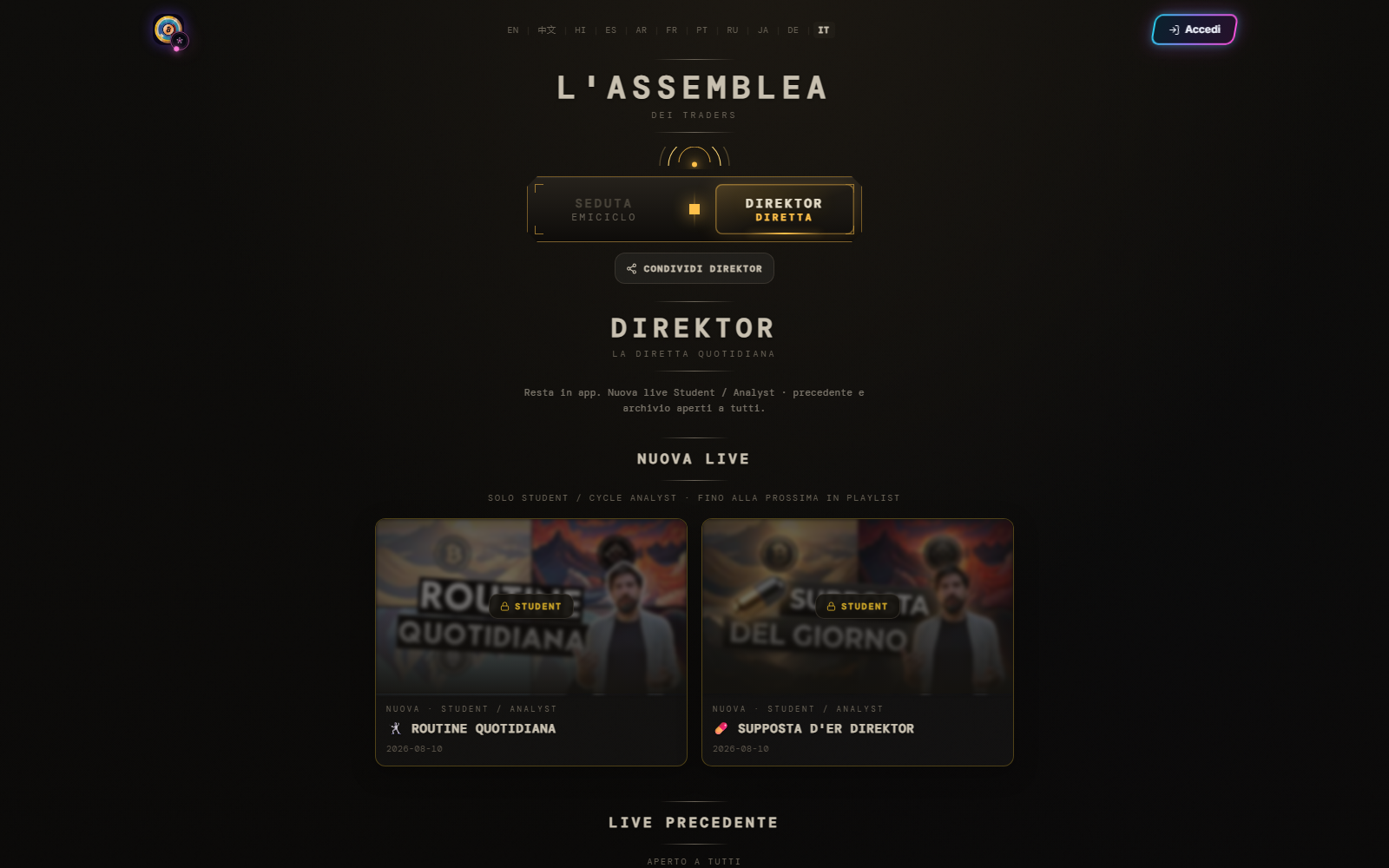
Open content
- Select Direktor in Assemblea.
- Choose new live, prior episode or archive.
- Read the access badge before opening the card.
- Open the episode when a viewing action is available.
- Use timeline, markers, captions or chapters only where provided.
In the verified interface, new live videos are reserved for Student and Cycle Analyst profiles; prior content and archive appear public. The current badge and message always prevail.
Access rule — A visible thumbnail does not guarantee playback for your profile. Sign in with the correct account and check the stated level.
Before sharing, test the link in a private window: the recipient may face different access. For market commentary, record the publication date and context; do not apply an old analysis automatically to new conditions.